28 Oct 2025
Utilizing AI directly within the terminal environment offers a significant advantage over browser-based interfaces, delivering increased speed, enhanced control, and superior project management capabilities. This method provides direct file system access, robust context handling, and advanced multi-agent workflows, fundamentally improving efficiency and user ownership of AI interactions.
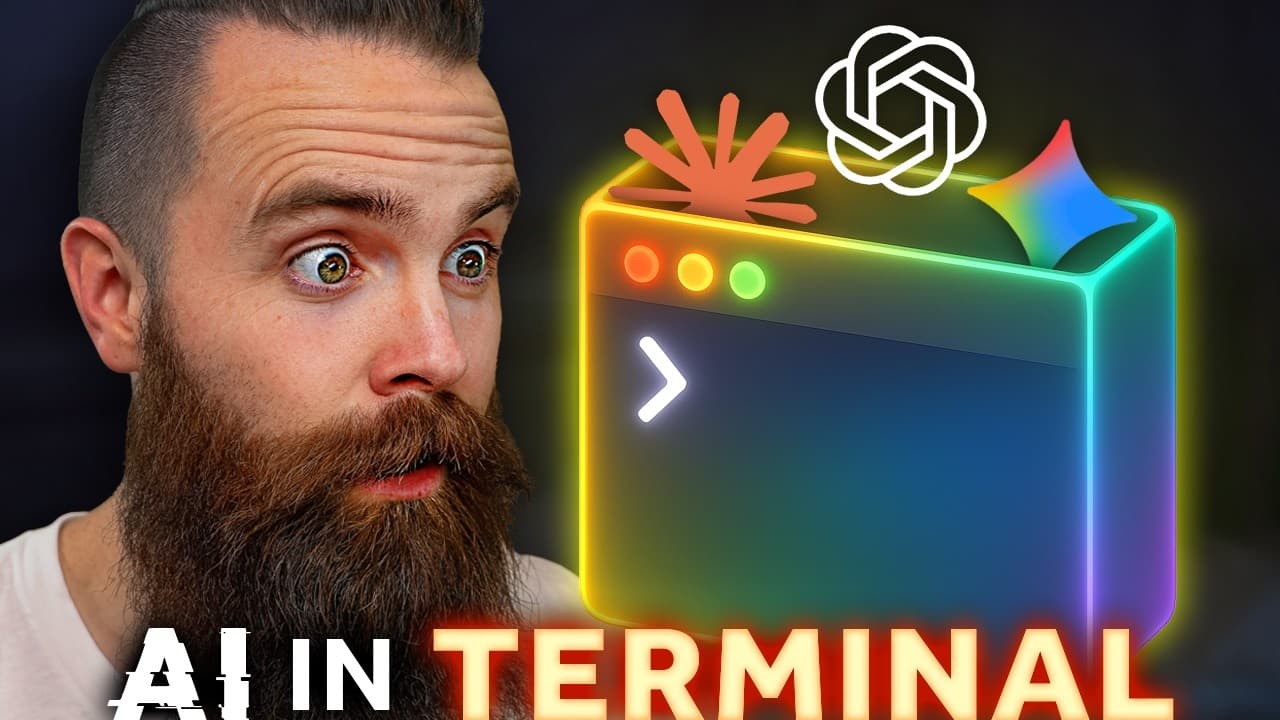
Traditional browser AI apps are slow, frequently lose context after multiple interactions, lead to scattered chats across various platforms like ChatGPT, Claude, and Gemini, and necessitate constant manual copy-pasting for note-taking, resulting in disorganized project management.
Leveraging AI directly within the terminal is presented as a superior, faster, and more controlled method that makes users significantly more efficient for diverse tasks, including writing and research projects, extending beyond typical coding applications.
Gemini CLI can be installed with a single command across Mac, Windows (via WSL), or Linux platforms, requiring users to log in with a Google account to access Gemini 2.5 Pro. This terminal tool visibly displays the context window and is capable of performing web searches.
Unlike browser versions, Gemini CLI directly reads and writes files on the local computer, allowing it to create documents, access local notes (e.g., Obsidian vaults), and execute scripts. The `gemini.md` file, automatically generated by the `/init` command, establishes persistent project context across multiple sessions, eliminating the need to re-explain ongoing work.
Twin Gate is introduced as a Zero Trust Network Access (ZTNA) solution, advocating for enhanced security by explicitly granting permissions to specific resources rather than broad network access, a common vulnerability with traditional VPNs. It offers features like trusted profiles for device security checks (e.g., OS updates, encryption) and is available for free for up to five users.
Claude Code (Claude in the terminal) stands out as a powerful daily driver, accessible with a Claude Pro subscription. Its key 'agents' feature allows the delegation of tasks to sub-instances of Claude, each operating with a fresh context window to prevent the main conversation from becoming bloated or biased.
Claude Code enables users to define custom 'output styles,' which serve as system prompts or personas for Claude, dictating its response behavior. These styles can be tailored for specific projects or applied globally, allowing the AI to adopt specialized roles such as a 'home lab expert' or a 'script writing' assistant.
Claude Code supports the deployment and concurrent execution of multiple agents, each assigned different objectives, facilitating complex, parallel research, and content creation. Agents can also be configured to utilize other AI tools in headless mode, such as Claude leveraging Gemini for specific research tasks.
An advanced workflow integrates Claude Code, Gemini CLI, and Codex (ChatGPT's terminal tool) simultaneously within the same project directory. By synchronizing their respective context files (`claude.md`, `gemini.md`, `agents.md`), these AIs can collaborate on a single project, performing distinct roles without requiring manual copying and pasting.
The daily workflow incorporates an 'agent script session closer' that summarizes session activities, updates context files, and automatically commits project changes to a GitHub repository. This system treats projects like code, providing version control, a historical record of decisions, and automated documentation, crucial for maintaining organization and context.
Specialized 'brutal critic' agents are created to objectively review work and provide critical feedback, preventing AI from being overly agreeable and ensuring quality and adherence to specific frameworks or goals. These agents operate with fresh perspectives, avoiding bias from ongoing conversations.
Open Code is an open-source terminal AI tool that supports various models, including Grok (free tier), local models like Llama 3.2, and Claude Pro subscriptions. It features a Terminal User Interface (TUI), config file customization for models, session management (sharing, timeline, export), and agents, offering flexibility and control over AI environments.
Terminal AI empowers users with complete control over their context, files, and projects, which are stored locally on their hard drive, preventing vendor lock-in. This local ownership ensures portability and adaptability, allowing users to seamlessly switch between different AI models and tools as new and better options emerge.
Experiencing AI within the terminal environment eliminates the desire to return to browser-based applications.
| Tool | Primary Function | Key Features | Access/Cost | Main Benefit |
|---|---|---|---|---|
| Gemini CLI | General-purpose AI assistant | Direct file read/write, visible context window, persistent project context via `gemini.md`, web search capabilities. | Generous free tier with a standard Google account. | Facilitates direct interaction with local files and maintains organized project context across sessions, eliminating scattered chats. |
| Claude Code | Advanced AI assistant and project manager | AI Agents for task delegation with fresh context windows, customizable Output Styles for AI personas, planning mode for structured work, `claude.md` for project context. | Requires an existing Claude Pro subscription (approx. $20/month). | Enables complex task delegation, protects the main conversation's context, and allows for highly customized AI behavior through specialized personas. |
| Open Code | Flexible, open-source AI platform | Support for local models (e.g., Llama), free access to Grok AI, integration with Claude Pro subscriptions, comprehensive session management (share, timeline, export), and agent capabilities. | Free (open source), supports local models, free Grok access, and Claude Pro integration. | Offers unparalleled flexibility in choosing and switching AI models, provides open-source control, and enhances session portability and collaboration. |
| Twin Gate (Sponsor) | Zero Trust Network Access (ZTNA) | Grants explicit access to specific resources, implements trusted device profiles for security checks (e.g., OS updates, firewall, antivirus), enhances remote employee security. | Free for up to five users, primarily targeting business and home lab environments. | Significantly enhances remote network security by eliminating traditional VPN vulnerabilities and enforcing granular access control based on device and user trust. |