10 Oct 2025
This guide showcases a collection of powerful Linux commands and productivity tools designed to enhance efficiency and streamline various tasks. It covers utilities for system monitoring, file management, networking, and leveraging AI to simplify command-line operations.
NCDU identifies disk space consumption, offering a visual and interactive interface superior to `df` and `du`. Users can delete files and drill down into directories directly within the tool.
Duff presents drive usage information in a visually appealing format, acting as an enhanced version of the `df` command.
Powered by Rust, ripgrep (rg) is a significantly faster alternative to `grep` for quickly finding errors in logs, locating Python functions, or identifying files mentioning specific patterns like API keys.
Mosh provides a robust alternative to SSH by maintaining session connectivity even when network connections are lost or when roaming between Wi-Fi and cellular networks. It requires installation on both the client and remote server for sustained connections.
The `lshw` command displays comprehensive details about a system's hardware resources, including CPU, memory, network interfaces, and disks. Specific components can be queried using filters like `lshw -C cpu`.
MTR combines the functionalities of `ping` and `traceroute`, providing a live, hop-by-hop analysis of network latency and packet loss.
FD is a `find` command alternative that offers improved default settings, including recursive searching, case-insensitivity, ignoring hidden files/directories, and colorized output, often resulting in faster execution.
FZF enables interactive filtering of any list or piped input, making it powerful for tasks such as searching command history or interactively selecting processes to terminate.
Ranger functions as a graphical file manager within the terminal, featuring Vim-like keybindings, bulk renaming capabilities, and file previews.
Z Oxide (z) replaces the standard `cd` command, offering a more forgiving and intelligent navigation experience by ranking frequently and recently used directories. It learns user habits, allowing for quick jumps to directories with partial names, and integrates with FZF for interactive selection.
Exa serves as a modern `ls` replacement, providing superior color coding, built-in tree view, and the ability to display icons for file types.
Glances offers an all-in-one dashboard for monitoring system statistics at a glance. It supports various options, including running as a web server or API for remote monitoring.
IO top provides a `top`-style list of processes actively consuming the most disk I/O, updating the information in real-time.
The `stat` command reveals extensive details about a file, including its creation date and inode number. Using the `-f` option, it can also display file system-specific information like the file system ID.
Dstack delivers a combined timeline view of critical system metrics such as CPU, RAM, disk, network, and memory usage. It integrates functionalities from `vmstat`, `iostat`, `ifstat`, and `netstat` into a single tool.
The `watch` command automatically reruns any specified command at user-defined intervals, which is useful for continuous monitoring, such as tracking GPU performance with `nvidia-smi`.
Progress displays the status and advancement of currently running commands, such as `secure copy` operations, and can monitor multiple commands concurrently.
Dog is an improved `dig` alternative for DNS lookups, featuring clear, colored output, support for DNS over TLS, and the ability to output results in JSON format.
Term Shark provides a terminal user interface for `tshark`, allowing for interactive packet analysis, filtering by protocols like DNS, and the examination of pcap files.
The `lsof -i:<port>` command identifies the process that owns or is currently using a specific network port, such as port 22 or 80.
IP calc is a command-line utility for quick subnet calculations, providing network ranges, masks, and wildcard information based on CIDR notation.
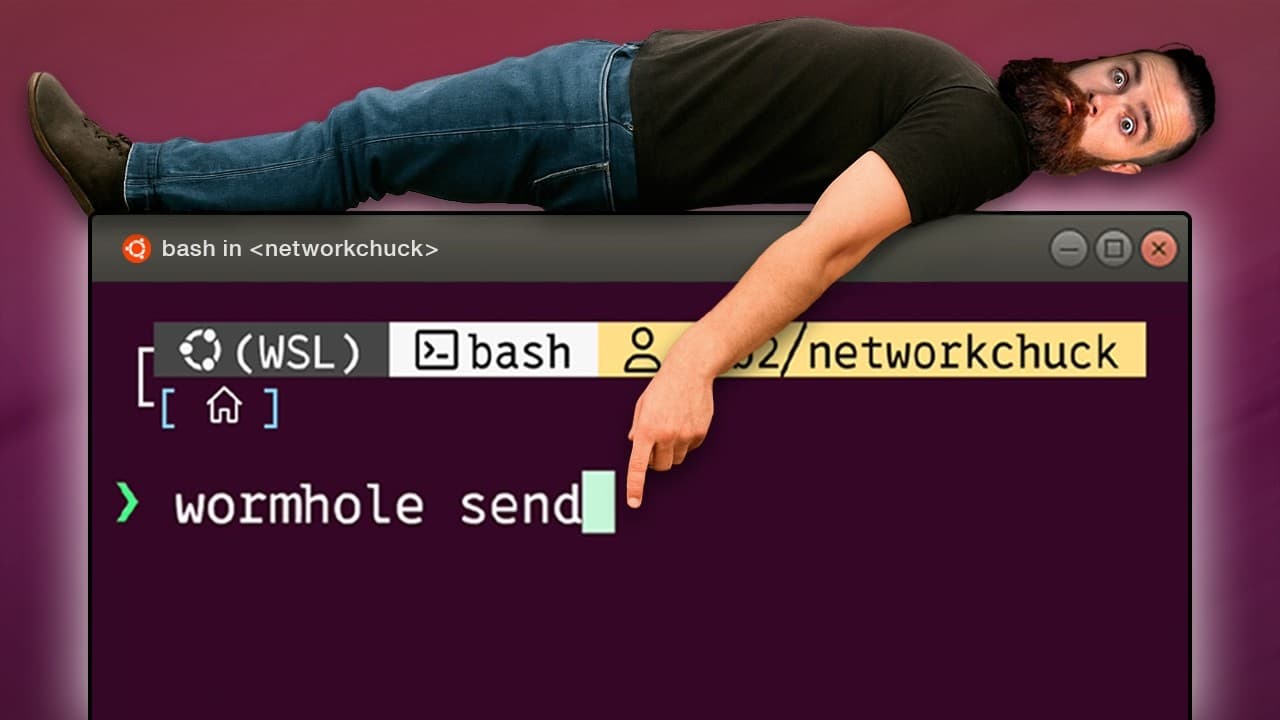
Wormhole facilitates peer-to-peer, end-to-end encrypted file transfers with a single command. It generates a unique code for the recipient, supporting direct transfer or relay through a server for firewall compatibility.
`systemd-analyze blame` identifies services that contribute the most to system startup time during the last boot.
`systemd-analyze critical-chain` highlights the critical path of systemd dependencies, helping to pinpoint bottlenecks caused by sequential initialization during boot.
Procs offers a more user-friendly and aesthetically pleasing alternative to `ps`, enabling sorting by CPU usage and displaying processes in a tree view.
Lazy Docker provides an interactive terminal user interface for managing Docker containers, images, and other resources comprehensively from the command line.
Rsync is an intelligent utility for file transfers, syncing only differences (delta-only), resuming broken transfers, and mirroring directories over SSH, making it ideal for large files and directories.
Unlike `rm`, which only unlinks a file, `shred` securely overwrites a file multiple times before deletion, effectively thwarting data recovery efforts.
The `moreutils` package provides several useful utilities: `ts` adds timestamps to command output; `errorno` explains error numbers; `ifdata` offers simplified network interface information; `vidir` allows editing directory names in a text editor; and `vip` inserts a text editor into a Unix pipeline to modify piped data.
UNP simplifies archive extraction by automatically guessing the archive type and executing the appropriate decompression command, eliminating the need to remember specific tools for different formats.
JQ serves as a powerful command-line tool for querying and transforming JSON output, enabling complex data extraction and manipulation with concise one-liner commands.
Taskwarrior is a command-line interface tool for task management, allowing users to add, list, mark tasks as complete, and receive suggestions on urgent tasks without leaving the terminal.
Asciinema records terminal sessions into small, text-based 'cast' files that can be played back, paused, and have text copied from them directly within the terminal. A self-hosted server can store these recordings.
A complementary tool from Asciinema converts recorded terminal sessions into animated GIF files, useful for quick demonstrations.
Fabric enables interaction with AI models directly from the command line, allowing users to perform tasks like summarizing command history, analyzing system logs, or obtaining recommendations for open ports.
Ollama allows users to run AI models locally to assist in crafting command-line commands dynamically, such as generating commands to find disk space usage or build `mount` commands.
Mastering these tools transforms the command line into a superpower, significantly boosting productivity and control over a Linux system.
| Command | Purpose | Key Feature |
|---|---|---|
| NCDU | Analyze Disk Space | Visual, interactive disk usage analysis with deletion capabilities. |
| ripgrep (rg) | Fast Text Search | Rust-powered, significantly faster than `grep` for complex searches. |
| Mosh | Remote Session | Maintains persistent SSH-like sessions despite network changes or disconnections. |
| FZF (FuzzyFinder) | Interactive Filtering | Fuzzy-finds and filters any list, powerful for chaining commands. |
| Z Oxide (z) | Directory Navigation | Learns directory habits for quicker `cd` commands and intelligent jumps. |
| Exa | Directory Listing | Modern `ls` replacement with better colors, tree view, and icons. |
| Glances | System Monitoring | All-in-one system statistics dashboard with web/API capabilities. |
| Dog | DNS Lookup | Enhanced `dig` alternative with colored output, DNS over TLS, and JSON support. |
| Term Shark | Packet Analysis | Terminal user interface for `tshark` for interactive network packet inspection. |
| Wormhole | Secure File Transfer | Peer-to-peer, end-to-end encrypted file transfers with a simple command. |
| systemd-analyze | Boot Performance Analysis | Identifies slow services (`blame`) and critical dependencies (`critical-chain`) during boot. |
| Lazy Docker | Docker Management | Interactive terminal UI for comprehensive Docker container and image management. |
| Shred | Secure File Deletion | Securely overwrites files multiple times to prevent data recovery before deletion. |
| JQ | JSON Processing | Powerful command-line tool for querying and transforming JSON data. |
| Asciinema | Terminal Session Recording | Records terminal sessions for playback, text copying, and GIF conversion. |
| Fabric / Ollama | AI Integration | Integrates AI into the CLI for command generation, summarization, and analysis. |

29 Sept 2025
24 Oct 2025

7 Oct 2025