29 Sept 2025
One UI 7, built on Android 15, is now broadly available for many Samsung devices, introducing significant enhancements to the user experience. This update brings improved animations, increased speed, better optimization, reduced RAM consumption, and a host of new features.
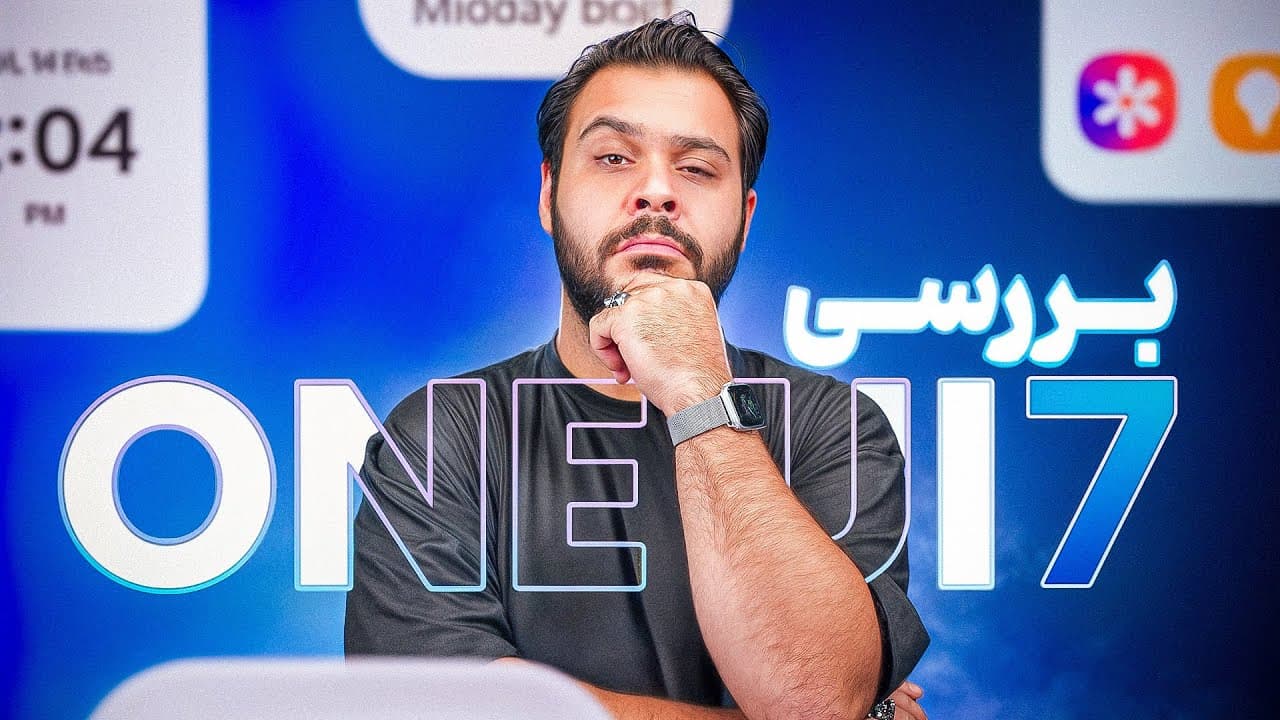
One UI 7 is now available for many Samsung devices, having been introduced alongside the S25 and developed based on the latest version of Android, Android 15.
The user interface shows improvements in animations, speed, and optimization, along with reduced RAM consumption, which are immediately noticeable after updating.
Icons in One UI 7 have been redesigned, adopting a square shape that is similar to Apple's design but remains distinct.
The lock screen has undergone significant changes, allowing extensive customization of the clock's font, color, size, and position.
The notification panel and toggles are now separated; toggles are pulled down to the right side of the screen, and notifications appear on the left, a feature familiar to iOS users. Alternatively, swiping from the middle of the screen and then to the right allows access to these tabs without needing to reach the corner.
Overall animations are much better and clearer, with specific improvements like the camera zoom animation, which now operates smoothly and beautifully, akin to an iPhone.
The Photos app has not changed substantially, though a series of icons have been added to the bottom tab for easier identification of each tab's function.
A new option in the video player allows users to replay videos automatically after they end, similar to the functionality found in the YouTube player.
Notification management is enhanced; tapping an app with multiple notifications now displays all of them individually without requiring entry into the app.
The alarm app now includes the ability to group alarms, allowing users to turn an entire group on or off, which is useful for managing multiple alarms.
The home screen allows significant manipulation of folders, including changing their dimensions and selecting apps within large folders without opening them.
The app drawer, where all applications are displayed, is now vertical, requiring scrolling to find apps, a change from the previous horizontal page-by-page layout. A button in the corner allows switching between optical order and page mode for those who prefer the older style.
Widgets offer extensive customization options, including designing their edges, such as rounding or sharpening tips.
A feature similar to Dynamic Island displays active notifications like music, active apps, and timers on the lock screen. Tapping the timer once opens it beautifully, and tapping the bar twice enters the app, presenting a user-friendly interaction.
Users can now set charging limits beyond 80%, with options for 80, 85, 90, and 95% to maximize battery protection while allowing higher charge levels.
Galaxy AI, introduced last year, is more deeply integrated into the operating system, with significantly improved performance across various features.
Users can create custom wallpapers using AI, although the customization options are somewhat limited, allowing for general thematic requests like imagining objects in a specific art style.
The ability to remove or move extra elements from photos using AI is highly effective, performing even better than Pixel's similar feature.
An AI sketch feature in Imagem allows users to draw simple sketches and apply various styles like watercolor or 3D renderings, with enhanced capabilities for S Pen users.
A new briefing feature currently provides information on weather and calendar events, with expectations that it will evolve to offer more comprehensive daily event tracking and appointments on a single page.
AI can now record calls and generate text transcripts, which it then summarizes. While useful for English calls, it notifies the call listener that the conversation is being recorded, preventing surreptitious use.
All Galaxy AI features are free until the end of 2025, but Samsung has not yet announced the pricing structure or continued availability beyond this period.
Updating to One UI 7 is highly recommended due to its significant generational changes, which provide a much clearer phone experience, numerous new features, and a more attractive appearance.
One UI 7 has experienced the best generational changes so far, offering a significantly clearer phone experience with numerous new features and a more attractive overall appearance.
| Feature | Description |
|---|---|
| One UI 7 Foundation | Released with S25, based on Android 15. |
| Core UI Performance | Improved animations, speed, optimization, reduced RAM consumption. |
| Customization Options | Redesigned square icons, extensive lock screen customization (clock font, size, color, position). |
| Notification/Toggle Handling | Separated panel with toggles right, notifications left; iOS-like swipe gestures. |
| App-Specific Enhancements | Video player replay option, grouped alarms, enhanced notification display per app. |
| Home Screen & App Drawer | Folder manipulation (resizing, app selection), new vertical app drawer with page mode option. |
| Dynamic Island-like Display | Lock screen display for music, active apps, timer; intuitive tap interactions. |
| Battery Charging Limits | New options for maximum charge: 80%, 85%, 90%, 95%. |
| Galaxy AI Integration | More integrated, improved performance; includes AI wallpaper creation, photo element removal/movement, sketch feature. |
| AI Communication Tools | Call recording, transcription, and summarization (with listener notification). |
| AI Feature Availability | All Galaxy AI features are free until the end of 2025; future pricing is unconfirmed. |