18 Oct 2025
This episode addresses common misconceptions about Linux, clarifying its broad utility beyond just hackers and programmers. It delves into Linux's origins, its relationship with GNU, various distributions tailored for different users, and its practical advantages as a robust, lightweight, and open-source alternative to proprietary operating systems.
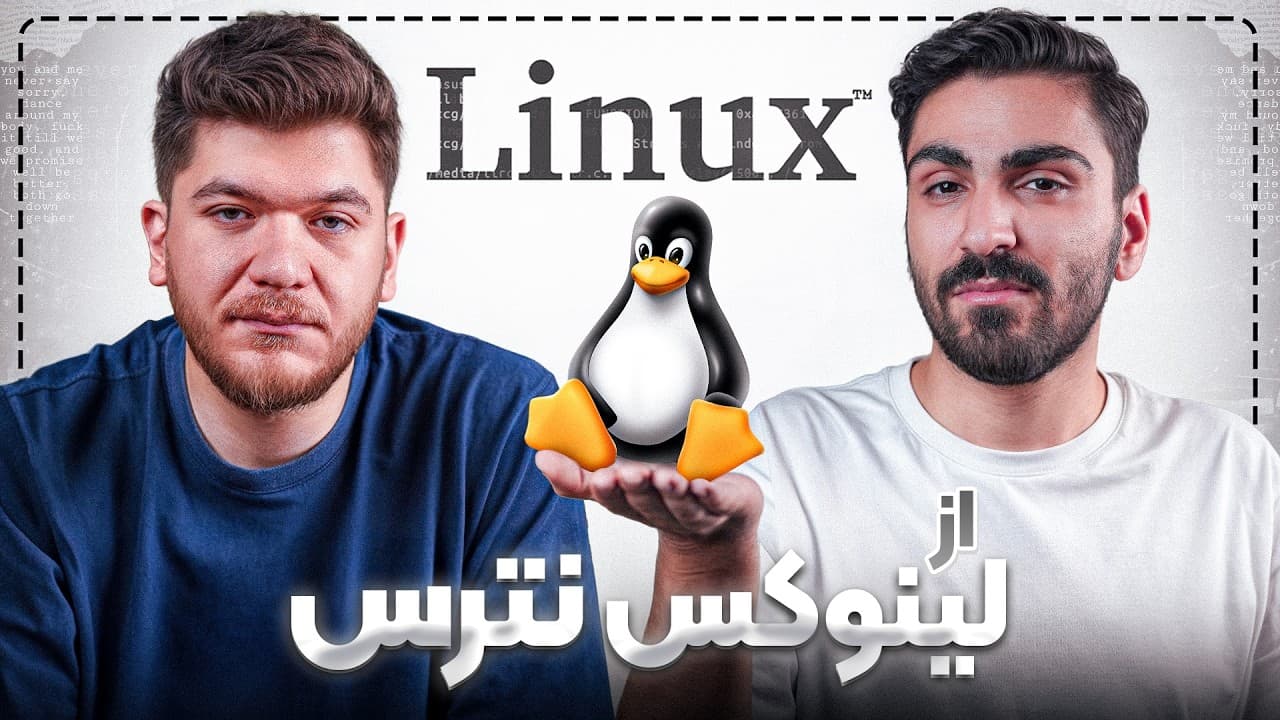
The Tek episode challenges the misconception that Linux is exclusively for hackers and programmers, emphasizing its much larger user community. It highlights Linux's suitability for everyday use, including on older systems as a viable alternative to outdated Windows versions.
The foundation of modern operating systems traces back to Unix in 1970, a closed-source system utilized primarily by professional entities like IBM for specialized hardware. Linus Torvalds subsequently developed the Linux kernel from scratch, creating a Unix-like system without initial consideration for its open-source implications.
The Linux kernel alone is the operating system's core, managing hardware interactions and drivers. To function as a complete operating system, the Linux kernel requires a suite of peripheral tools, predominantly those developed by the GNU project, which leads to the designation 'GNU/Linux'.
A Linux distribution integrates the Linux kernel, GNU tools, and a collection of default programs and packages, all customized for specific applications or user needs. Examples such as Ubuntu, Mint, and Fedora each offer distinct default toolsets, with Ubuntu Studio, for instance, tailored with content production tools.
Linux provides significant benefits, including its lightweight nature, superior power and memory management compared to Windows, and its open-source model which eliminates licensing costs. These characteristics contribute to enhanced system stability and fewer crashes, particularly during demanding tasks.
While Linux can operate via a command-line interface, many distributions feature user-friendly graphical shells for intuitive interaction. Popular options include GNOME (prevalent in Ubuntu) and KDE (which offers a Windows-like experience, seen in Mint), making Linux accessible to users familiar with graphical environments.
Kali Linux is a highly popular distribution for security professionals and hackers, boasting over 600 penetration testing and security tools like Burp Suite, John the Ripper, and Wireshark. Kali is also used in recruitment by companies such as Cisco and IBM and offers a mobile version, Kali NetHunter. Parrot OS, a Debian-based alternative, provides a lighter experience with around 200 security tools and a visually appealing interface. Black Arch is a specialized, extremely lightweight distribution designed for advanced hackers, capable of running on minimal hardware like Raspberry Pi, signifying high expertise in its users.
Ubuntu Studio caters specifically to content producers, equipped with pre-installed software for audio (AdaCity), video (KN Live, similar to Premiere Pro), image editing (GIMP, like Photoshop), and digital design (Krita, like Illustrator). Kubuntu, an Ubuntu variant, offers a user interface closely resembling Windows, facilitating an easier transition for users migrating from Windows.
CA Linux is specifically tailored for civil and mechanical engineering applications, providing robust tools such as Octave, a free alternative to MATLAB for numerical calculations and plotting, and OpenFOAM, which is used for fluid dynamics, akin to SolidWorks. FreeCAD serves as a free, open-source alternative to AutoCAD for 3D modeling and design, supporting standard file formats like DWG.
Different Linux distributions employ distinct package managers; Debian-based systems utilize APT, which delivers faster and more stable package versions due to a large community. Fedora-based systems use DNF, providing slightly newer yet highly stable versions.
The open-source nature of Linux-based software eliminates licensing costs, presenting a significant advantage over proprietary software like MATLAB, where licenses are both crucial and strictly enforced in professional and academic contexts.
New Linux users are highly encouraged to start with Ubuntu due to its expansive community, abundant online resources, and accessible learning materials. Kubuntu is recommended for those who prefer an interface similar to Windows.
The discussion underscores the critical importance of avoiding unverified VPNs or configurations, as tools like Wireshark can comprehensively log user activity, including websites visited and video content consumed, thus necessitating heightened awareness of digital privacy.
Linux, a lightweight, powerful, and open-source operating system, extends its utility far beyond the realm of hackers and programmers, offering versatile solutions for diverse users.
| Aspect | Tool/Distribution | Description | Primary Use |
|---|---|---|---|
| Core Components | Linux Kernel | The foundational component of an operating system, handling hardware interaction and drivers. | Operating System Base |
| Core Components | GNU Tools | A suite of essential utilities that combine with the Linux kernel to form a complete operating system. | Operating System Functionality |
| Security/Hacking OS | Kali Linux | A widely recognized distribution with over 600 security and penetration testing tools, including a mobile version (NetHunter). | Hackers, Security Professionals |
| Security/Hacking OS | Parrot OS | A Debian-based distribution offering a lighter alternative to Kali with a beautiful interface and security tools. | Intermediate Security Enthusiasts |
| Security/Hacking OS | Black Arch | A highly specialized and lightweight distribution for advanced security experts, running on minimal hardware. | Advanced Hackers, Security Experts |
| Content Creation OS | Ubuntu Studio | A distribution pre-loaded with tools for audio (AdaCity), video (KN Live), image (GIMP), and digital design (Krita). | Content Producers, Multimedia Artists |
| Engineering OS | CA Linux | A specialized distribution for civil and mechanical engineering. | Engineers |
| Mathematical Software | Octave | A free and open-source alternative to MATLAB for numerical computations and plotting. | Engineers, Scientists |
| Fluid Dynamics Software | OpenFOAM | Software for computational fluid dynamics, comparable to SolidWorks. | Mechanical Engineers |
| CAD Software | FreeCAD | A free and open-source 3D CAD modeler, similar to AutoCAD, supporting various file formats. | Designers, Engineers |
| User-Friendly OS | Kubuntu | An Ubuntu variant featuring the KDE desktop environment, providing a Windows-like user experience. | General Users, Windows Transitioners |
| Network Analysis Tool | Wireshark | A tool to capture and analyze individual packets on a network, revealing network traffic details. | Network Administrators, Security Analysts |
| Password Cracking Tool | John the Ripper | A tool for dictionary-based password cracking, useful for brute-force attacks. | Security Testers |
| Web Security Tool | Burp Suite | Used for analyzing and manipulating web requests during security testing of applications or sites. | Web Security Testers |
| Package Manager | APT | A Debian-based package manager known for faster, more stable package versions and a large community. | Debian/Ubuntu Users (Package Management) |
| Package Manager | DNF | A Fedora-based package manager providing newer, highly stable package versions. | Fedora Users (Package Management) |
| Desktop Environment | GNOME | A popular graphical desktop environment commonly found in distributions like Ubuntu. | General Linux Users (User Interface) |
| Desktop Environment | KDE | A graphical desktop environment that offers a layout similar to Windows, often used in distributions like Mint. | General Linux Users, Windows Transitioners (User Interface) |