10 Oct 2025
This guide demonstrates the creation of a powerful AI IT agent, named Terry, utilizing N8N to autonomously monitor, troubleshoot, and fix issues within a home lab environment. It outlines the crucial steps of cloud hosting, secure network integration, and the implementation of a human-in-the-loop approval process for all critical system modifications.
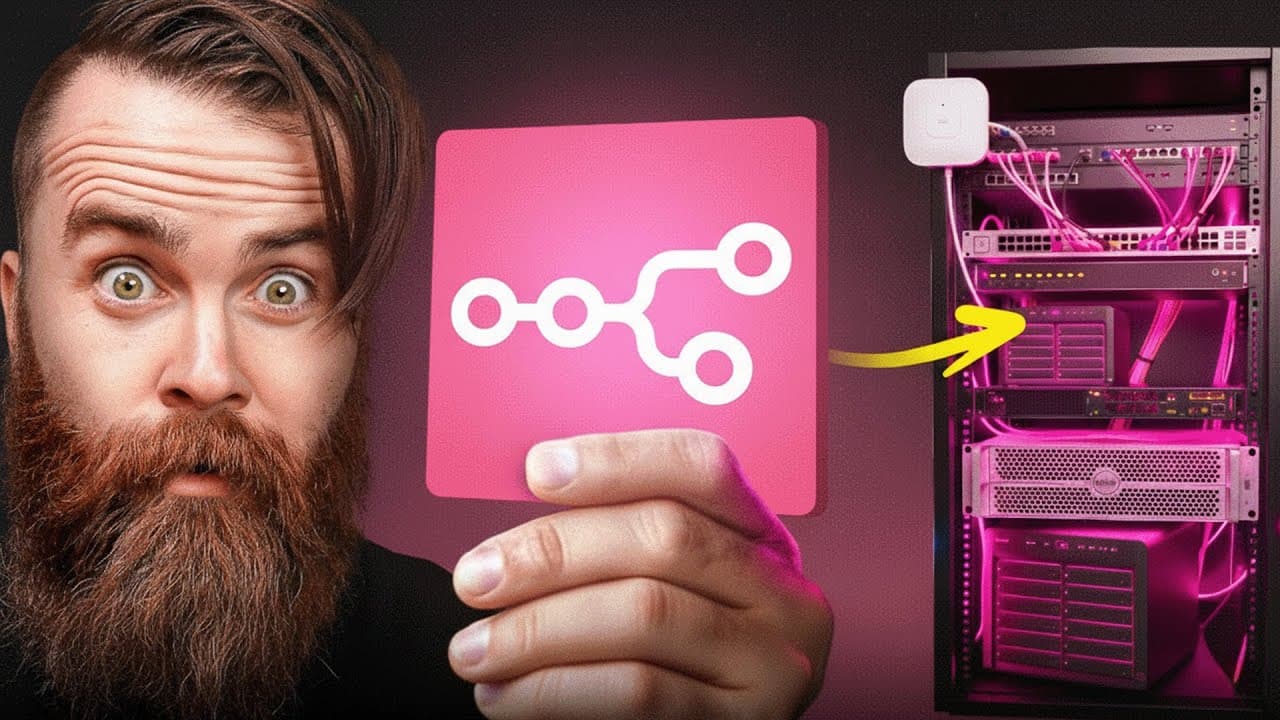
A super intelligent AI agent, referred to as 'Terry,' functions as an IT employee capable of monitoring, troubleshooting, and, with explicit permission, fixing issues within a network and home lab, with the goal of avoiding uncontrolled AI behavior.
The AI agent requires access to real tools, including CLI or API capabilities, to connect to various home lab and network devices such as UniFi, Proxmox, Plex, and NAS systems. The agent is initially treated as a new hire, gaining trust before receiving extensive permissions.
For resilience, the N8N instance powering the AI agent should ideally be hosted in the cloud, making it immune to local home lab failures and providing an easy setup process.
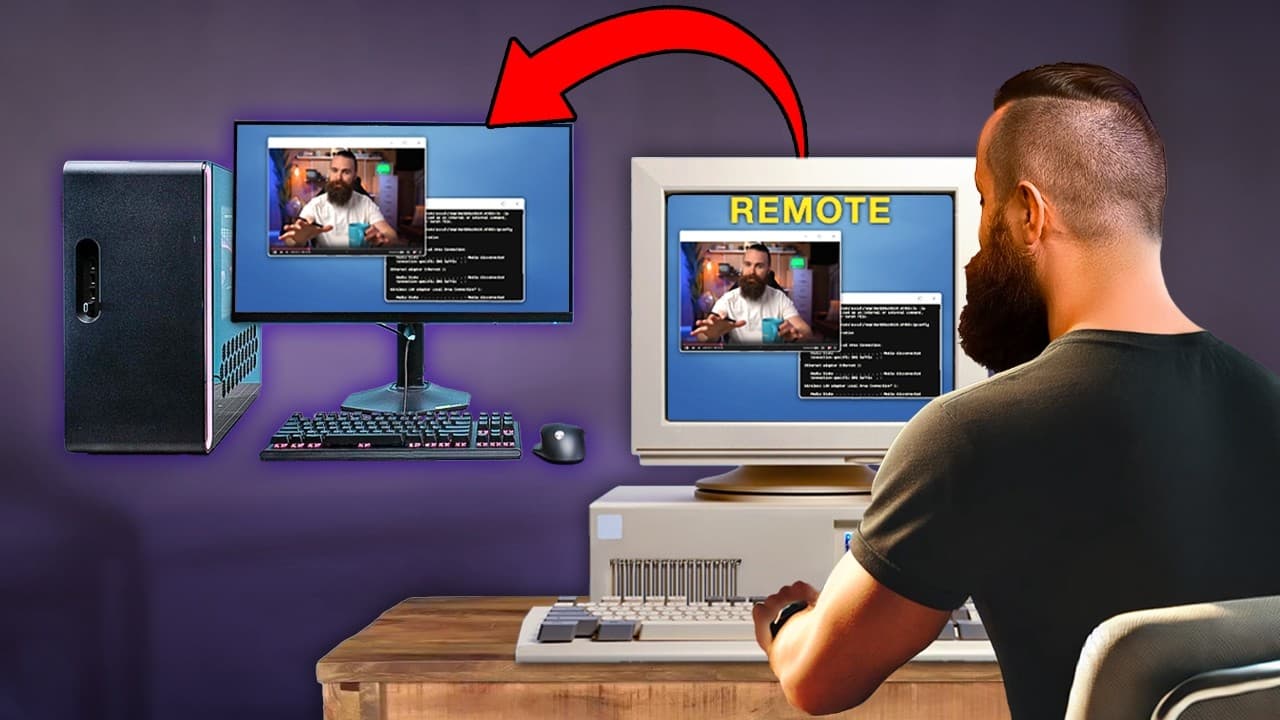
Twingate is used to establish a secure, 24/7 connection from the cloud-hosted AI agent to the local home network or business, ensuring access even if the home lab is experiencing issues.
An N8N workflow is created, integrating an AI agent node with a chat model and memory, along with an HTTP request tool to monitor website uptime. The agent's identity and task instructions are defined through a system prompt.
To enable advanced troubleshooting, an SSH tool is integrated into the agent's capabilities, allowing it to log into servers and execute commands like `docker ps` to diagnose issues like a downed website.
The AI agent's troubleshooting power is increased by allowing it to determine which Docker commands (e.g., `docker ps`, `docker inspect`, `docker logs`) to run, rather than being limited to a single predefined command.
The agent's monitoring tasks are automated via a schedule trigger, with 'Set fields' nodes used to simulate user prompts and chat IDs. Notifications are configured through a chat app like Telegram, but only for detected problems, avoiding unnecessary alerts.
The AI agent is configured to provide responses in a structured JSON format, which enables the use of 'If' or 'Switch' nodes to filter notifications, ensuring messages are sent only when issues are identified or fixes are applied.
The agent's system prompt is updated to instruct it to not only identify and troubleshoot a downed website but also to attempt to fix it, such as by restarting a Docker container, and then verify the fix before reporting.
For complex or previously unseen problems, like port conflicts, the agent's prompt is generalized to empower it to use the CLI tool to troubleshoot and apply necessary fixes, provided it has contextual information about the network.
A 'Human in the Loop' mechanism is implemented to ensure safety and control, requiring explicit human approval via a messaging app before the AI agent executes any commands that could modify the system, preventing unintended consequences.
The AI agent's capabilities are extended to interact with real home lab devices, including managing UniFi networks, querying Proxmox virtual machine statuses, and monitoring Plex active streams via their respective APIs or CLI.
The process of setting up and training such an AI agent enhances an individual's understanding of their own network infrastructure and improves their troubleshooting skills by requiring a reverse-engineering approach to problem-solving.
Future developments for the AI IT agent involve promoting it to a 'CTO' role to manage specialized sub-agents (e.g., network, storage, Linux admins), centralizing network documentation for easy access, and implementing an AI-powered help desk system.
Terry can now identify problems, troubleshoot a problem, and fix the problems, but only if human approval is given.
| Feature | Description | Benefit |
|---|---|---|
| AI Agent (Terry) | An autonomous IT employee powered by N8N | Monitors, troubleshoots, and fixes network and home lab issues |
| Cloud Hosting | N8N instance deployed on cloud providers like Hostinger | Ensures agent resilience and immunity to local home lab failures |
| Secure Access (Twingate) | Headless client connecting cloud agent to local network | Provides 24/7 secure access to home lab devices |
| Real Tools (CLI/API) | Agent interaction with UniFi, Proxmox, Plex, NAS via CLI/API | Enables comprehensive control and management of diverse systems |
| Human-in-the-Loop | Agent requests approval for system-modifying commands | Prevents unintended changes, ensures safety and oversight |
| Structured Output | AI responses formatted into precise JSON objects | Facilitates advanced automation, conditional logic, and filtered notifications |
| Automated Remediation | Agent diagnoses and automatically fixes documented issues | Reduces manual intervention and minimizes system downtime |
| Enhanced Documentation | Training the AI agent requires explicit network understanding | Improves human knowledge and documentation of infrastructure |