7 Oct 2025
The limitations and costs associated with traditional remote desktop solutions, such as Windows RDP's Pro edition requirement and network restrictions, prompted a search for a more versatile alternative. RustDesk emerged as an ideal, free, open-source, and self-hostable remote desktop solution, offering seamless cross-platform access and enhanced privacy.
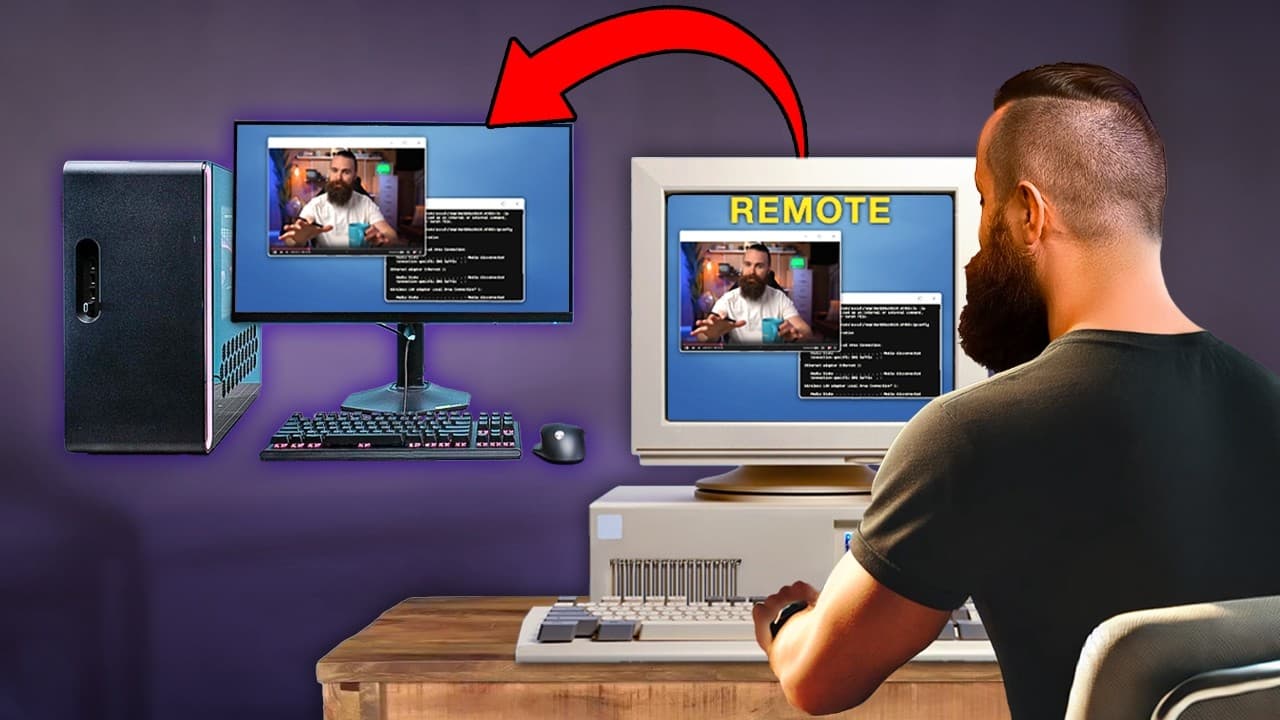
Remote desktop is a crucial tool for remotely accessing computers, but the costs and limitations of existing paid RDP or remote access solutions motivated the search for a new, free, open-source, and self-hostable alternative with cross-platform compatibility.
Windows' native Remote Desktop Connection (RDC) is efficient for connecting to Windows Pro editions on the same local network. However, the target machine must run Windows Pro, which incurs an additional cost of approximately $200, and it lacks the ability to connect across different networks, rendering it unsuitable for geographically dispersed teams or mixed OS environments.
Integrating Mac into a remote desktop environment is problematic because Windows cannot natively remote into macOS, although Mac can use the Microsoft Remote Desktop app to connect to Windows Pro. Linux supports XRDP for RDP client connections, and VNC is a popular protocol, but VNC is often difficult to install, especially on Linux, and frequently lacks essential features like reliable copy/paste and GPU performance.
Browser-based options such as Guacamole and Kasm VNC offer free, open-source remote access directly from a web browser across all operating systems. While excellent for basic tasks and terminal access, these solutions typically fall short on the native client performance required for demanding operations like video editing.
TeamViewer offers an easy, cross-platform remote access solution that does not require a VPN, making it useful for personal remote support. Despite its features and personal free use, relying on TeamViewer's servers raises privacy concerns, and persistent prompts for paid licenses detract from its appeal for business or self-hosting purposes.
The quest for a free, open-source, self-hostable, and high-performance solution led to the discovery of AnyDesk and RustDesk. RustDesk, developed using the Rust programming language, distinguishes itself by offering free self-hosting capabilities, a truly open-source codebase, GPU acceleration, and clients for all major platforms (Windows, Mac, Linux, and mobile), in contrast to AnyDesk, which charges for self-hosting options.
RustDesk supports direct IP-to-IP connections within the same local network when the client is installed on both machines, eliminating the need for an external server. This setup provides a direct, unencrypted connection, ideal for internal network use, and can be configured through security settings to enable direct IP access and establish a permanent password.
TwinGate, a zero-trust network access solution, facilitates secure extension of local network access from any location, including mobile devices, or when connecting across disparate networks. It integrates seamlessly with RustDesk or native RDP clients, providing free access for home labs and small businesses (up to five users) by requiring only a connector installed on the local network.
Hosting a RustDesk server in the cloud (e.g., on Linode for $5/month) creates a publicly reachable relay server, serving as a backup for local access and enabling connections to remote clients not on the same VPN or network. This server discovers clients via their ID and can either establish direct connections or relay them if network firewalls prevent direct access.
The RustDesk server, consisting of signaling (hbbs) and relay (hbbr) components, is easily deployed using Docker Compose on a cloud-based virtual machine (e.g., Ubuntu). The installation process involves installing Docker, creating a `docker-compose.yml` file with the provided configuration, and executing `docker compose up -d` to launch the services.
RustDesk clients utilize public RustDesk servers by default, which can be a privacy concern. To use a self-hosted server, clients must be configured by entering the server's IP address for both the ID and relay servers, along with the public key extracted from the `id_ed25519.pub` file on the server.
RustDesk offers various connection types: local IP-to-IP (direct, unencrypted), ID-based via a custom server (potentially direct and encrypted, or relayed and encrypted if direct connection is blocked), and purely relayed (slower but universally functional). It delivers near-native client performance, including GPU acceleration, with clients available for all major operating systems and mobile devices, alongside experimental support for headless Linux.
RustDesk provides near-native performance with the flexibility of self-hosting and open-source availability, making it an ideal remote desktop solution across Windows, Mac, and Linux.
| solution | cost | hosting | osSupport | connectivity | limitation | benefit |
|---|---|---|---|---|---|---|
| Windows RDP | Requires Windows Pro upgrade | Native OS (Windows) | Windows only (target) | Same LAN only | Pro-only requirement, limited to local network access | Native performance for Windows-to-Windows Pro connections |
| VNC | Free / Paid versions | Self-hosted | Cross-platform | Network dependent | Difficult to install, often lacks advanced features (e.g., reliable copy/paste, GPU performance) | Widely available and cross-platform for basic remote control |
| TeamViewer | Free for personal use / Paid for business | TeamViewer servers | Cross-platform | Any network | Relies on third-party servers, privacy concerns, frequent paid license reminders for business use | Extremely easy setup for remote support across any location |
| Kasm VNC (Browser-based) | Free / Open Source | Self-hosted | Cross-platform (accessed via browser) | Any network (via browser) | Does not offer native client performance for heavy tasks like video editing | Convenient browser-based access, suitable for basic web browsing and terminal tasks |
| RustDesk | Free / Open Source | Self-hosted / Public RustDesk servers | Cross-platform (Windows, Mac, Linux, mobile) | Any network / Local LAN (direct IP) | Default use of public servers raises privacy concerns; requires manual server setup for full privacy | Self-hostable, open-source, near-native performance, GPU acceleration, cross-platform support without guilt |
| TwinGate (Complementary) | Free (home lab/small business up to 5 users) / Paid | Self-hosted (connector) | OS-agnostic (provides secure network access) | Any network (secure tunnel) | Not a standalone remote desktop client; requires an RDP client (like RustDesk or native RDP) | Zero-trust network access, highly secure remote access to local network resources from anywhere |