29 Sept 2025
Apple's new iOS 26 operating system introduces a 'Liquid Glass' design language, unifying aesthetics across its ecosystem and significantly overhauling several core applications. Despite its visual appeal and functional improvements to apps like Photos and Phone, the update faces initial challenges with battery life, device heating, and some lingering usability quirks in certain areas.
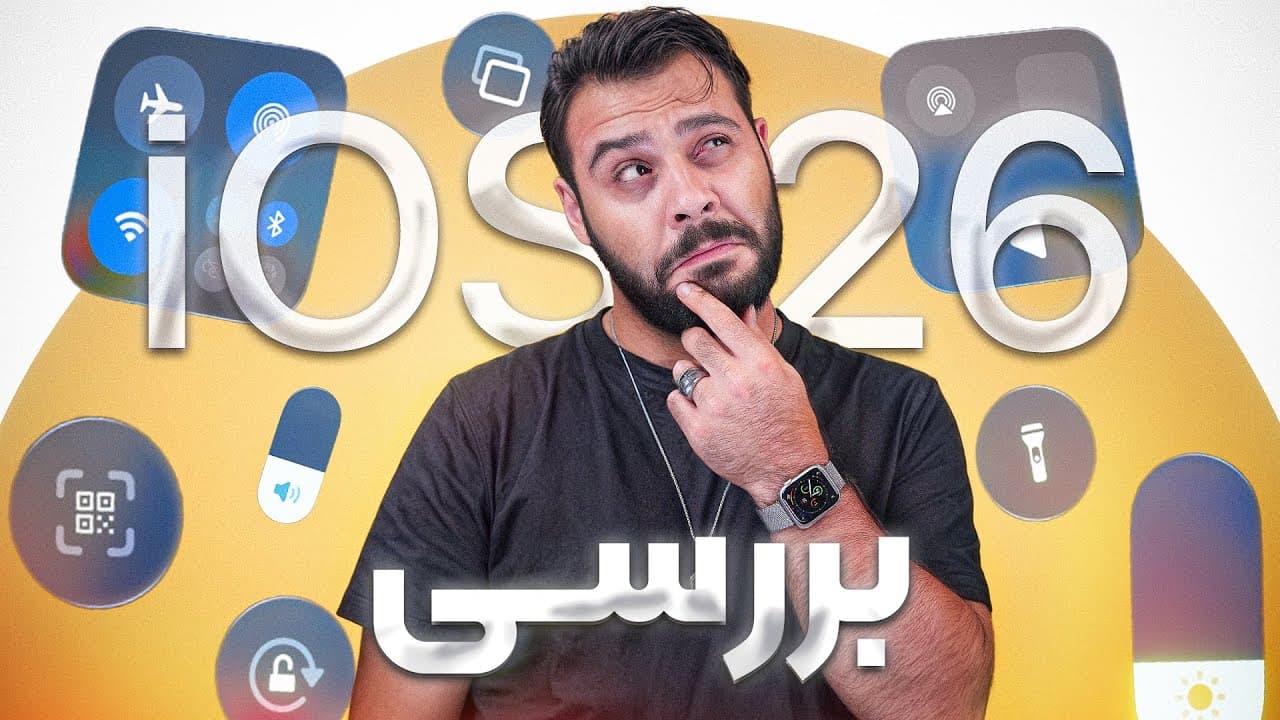
The operating system iOS 26 has been in use by the reviewer for three months, having initially installed the beta on an iPad and subsequently updated an iPhone. This review details the significant features, existing bugs, and overall positive and negative aspects of Apple's latest mobile OS.
Apple's new 'Liquid Glass' design language unifies the software interface across all its operating systems, including Mac, Watch, iPad, iOS, VisionOS, and TVOS. Interactive elements now have a 'liquid glass' appearance, featuring abstracted designs for app colors, toggles, lock and home screens, and even a shimmer effect on icons. This visually stunning design makes previous iOS versions feel dated, integrating a new 'Glass' icon pack for seamless color and shape consistency.
While the 'Liquid Glass' design is visually appealing, it initially presented readability challenges that Apple has since addressed. However, the system occasionally prioritizes aesthetics over practical usability, such as the bottom bar's relocation to accommodate a search function. In Apple Music, for instance, users must navigate through a two-step process to switch sections, which was a simpler one-tap action previously.
iOS 26 brought minor updates to Apple Intelligence, introducing features like 'Circle to Search,' simultaneous text translation, and AI integration into Shortcuts. Major AI overhauls are not expected, with current updates being incremental and largely drawn from previously announced features, reflecting Apple's cautious approach in this area.
The Photos app received a significant overhaul, now featuring a simpler, more logical user interface with just two tabs, which streamlines photo organization and discovery. The Messages app effectively sorts promotional SMS messages into a separate tab, allowing users to easily move essential contact numbers back to the primary inbox. The Phone app has a simplified layout, featuring pinned favorites, consolidated voicemail, missed calls, and call history in one tab, alongside separate tabs for contacts and the dialer. It also introduces features like silencing unknown callers, holding robocalls for an operator, and automated background call queries. The Camera app has been completely redesigned for a minimalist user experience, providing access to additional photo and video options by dragging a bottom toggle and more settings by pulling the toggle up or accessing them from the top.
CarPlay now displays more information, supports widgets, and, notably, incoming calls no longer fully obscure the screen. Its functionality depends on the vehicle's monitor supporting CarPlay, with some cars featuring 'link' options potentially offering partial compatibility.
A new Games application, essentially an updated Game Center, includes a section for downloading games, though its impact is not significant. The new Preview app is dedicated to working with PDFs and images. The Finder app has been substantially improved with features such as folder color-coding, background copy-paste, a new list view, and on the iPad, the ability to drag folders to the dock for quick access, reducing the distinction between Mac and iPad file management.
iPadOS 26 incorporates Mac-like functionalities, enabling users to manage apps in separate windows, utilize a proper mouse cursor, and access top-screen tab options, further integrating the iPad experience with that of a Mac.
Despite efforts in optimization, several bugs have been observed, including significant quality reduction in Spatial Photos, intermittent blurry wallpapers requiring a settings reset, rare instances of overall phone resolution drops (especially after charging from low power mode), disorganized animations and interface elements in the Messages app, and occasional CarPlay disconnections. It is noted that the occurrence of these bugs can vary based on device and usage conditions.
While previous iOS versions provided better battery life and managed device heating effectively, the update to iOS 26 initially led to reduced battery performance and increased heating. A subsequent update, however, appears to have resolved the temperature issues. iOS 26 is described as a 'heavy' operating system due to its new animations, which can exert pressure on the processor, particularly affecting older iPhone models.
iOS 26 is compatible with iPhone 11 series devices and newer, including the SE (2nd generation) and later. However, not all features are available across all compatible devices; some advanced functionalities are exclusive to the iPhone 15 Pro and newer models. The update is generally considered stable with fewer critical bugs than the iOS 6 to iOS 7 transition, though battery life improvements are anticipated in future minor updates.
After a period of using iOS 26, returning to iOS 18 makes it feel as if it belongs to a decade ago, highlighting the significant leap in the new design.
| Feature | Description |
|---|---|
| New Design Language | 'Liquid Glass' unifies UI across Apple OS, making previous iOS feel dated, and includes a new 'Glass' icon pack. |
| Usability Considerations | While aesthetically stunning, some interface elements (e.g., bottom bar in Apple Music) prioritize beauty over ease of access. |
| Apple Intelligence | Minor updates like 'Circle to Search' and text translation are included, but no major AI overhaul; Apple's AI presence remains limited. |
| Photos App | The user interface has been simplified with two tabs, making photo organization more intuitive and logical. |
| Messages App | Promotional messages are now automatically sorted into a separate tab, improving inbox management. |
| Phone App | It features a streamlined layout, pinned favorites, consolidated call history, and new functionalities like silencing unknown calls. |
| Camera App | Completely rebuilt for a simpler, minimalist experience with intuitive access to options and settings. |
| CarPlay | Enhanced display of information, widgets, and incoming calls no longer fully occupy the screen. |
| Finder App | Significant improvements include folder color tagging, background copy-paste, and iPad dock integration for folders. |
| Performance Issues | Initial reports indicated reduced battery life and device heating post-update, though recent patches addressed some temperature concerns. |
| Observed Bugs | Bugs include Spatial Photos quality degradation, blurry wallpapers, resolution drops, Messages app UI inconsistencies, and CarPlay disconnections. |
| Compatibility | Available for iPhone 11 and newer, but some advanced features are exclusive to iPhone 15 Pro and later models. |