29 Sept 2025
This comprehensive guide offers insights into choosing an operating system tailored to individual user needs, discussing the distinct advantages and disadvantages of Windows, macOS, and Linux. It serves as a valuable resource for anyone considering a new laptop or system, providing a deep dive into each platform's features and ideal applications.
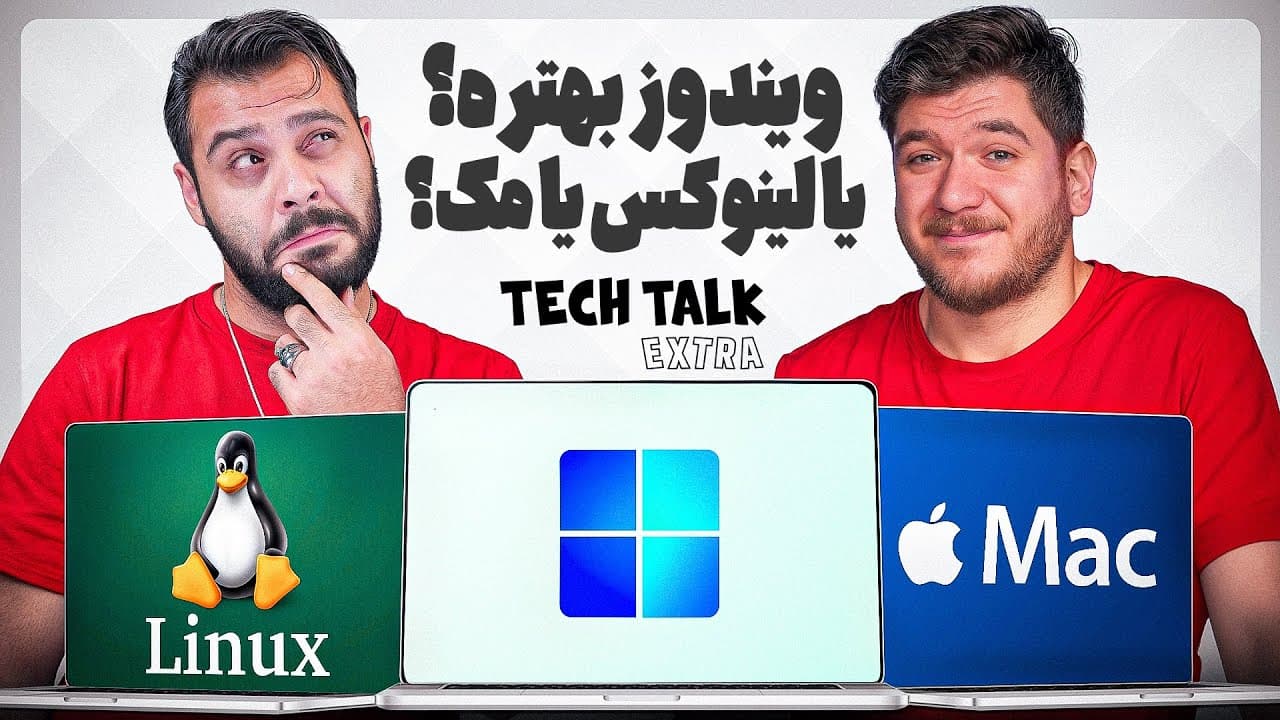
This guide offers a timeless and location-independent resource for individuals to choose the most suitable operating system based on their specific requirements.
Operating systems are broadly categorized into Windows, macOS, and Linux, with Chrome OS being less relevant for users lacking consistent internet access.
Windows is the most widely adopted operating system globally for home and office consumers, developed by Microsoft, offering extensive hardware compatibility, straightforward upgrades, and a vast array of software. It functions as the premier platform for gaming and supports many specialized engineering applications like 3ds Max and Revit.
Windows faces significant security challenges, requiring frequent updates due to its widespread use and accessible nature, which makes it a frequent target for hackers. This increases the risk of malware and necessitates careful software installation or the use of third-party antivirus solutions.
macOS is ideal for specific professional tasks, particularly developing applications for Apple's ecosystem (macOS and iPhone), benefiting from exceptional software-hardware integration that optimizes resource management. It offers powerful creative tools such as Logic Pro for music and Final Cut Pro for video editing, which often outperform Windows alternatives on comparable hardware.
macOS systems present hardware limitations, including the end of Hackintosh support due to the ARM architecture and restricted upgradeability for all Mac models. The platform also lacks some crucial engineering software like 3ds Max and Revit, and obtaining cracked plugins for creative applications can be challenging.
Linux, an open-source operating system with numerous distributions, serves as the foundation for approximately 99% of the world's backend servers due to its highly specialized nature and transparency.
While some beginner-friendly Linux distributions like Ubuntu, Debian, CentOS, and Mint offer graphical interfaces and basic functionalities for weaker systems, Linux is generally not recommended for casual users performing tasks such as opening PDFs, emailing, or web browsing.
Linux is highly recommended for programmers (especially Python developers), network specialists, and backend developers who possess the necessary specialized knowledge to navigate its complex command-line interface and diverse distributions, despite its challenging learning curve.
Chrome OS is not considered a viable option for users without reliable internet access, as its functionality is heavily reliant on cloud services.
For daily use, prioritizing mental well-being means opting for either Windows or macOS, while Linux serves those with specialized needs, particularly programmers and network engineers.
| category | Windows | macOS | Linux |
|---|---|---|---|
| Target User | General users, gamers, engineers, office workers | Creative professionals, developers (especially Apple ecosystem), specialized tasks | Programmers, network specialists, server administrators, niche users |
| Hardware Compatibility | Extremely broad, highly upgradable on various hardware | Limited to Apple-specific hardware, minimal user upgradeability | Very broad, highly customizable, runs on diverse and older hardware |
| Software Range | Vast, including leading games and many exclusive engineering applications | Strong in creative tools (e.g., Logic Pro, Final Cut Pro), essential for Apple app development, lacks some specific engineering software | Primarily open-source, specialized applications, command-line tools, fewer mainstream general-purpose apps |
| Security Aspects | Requires frequent updates and vigilance due to high attack surface; more susceptible to malware | Generally more secure due to tighter hardware-software integration, though not immune | Open-source allows transparency, security depends heavily on user configuration and expertise |
| Performance Management | Standard memory management, may require more RAM for intensive multitasking | Efficient memory management often making 8GB feel like 16GB on Windows for specific tasks | Resource-efficient, can run well on older or less powerful hardware |
| Ease of Use | User-friendly for general tasks, widely familiar interface | Intuitive and user-friendly within its ecosystem, designed for creative workflows | Challenging for beginners, often requires technical knowledge, though some distros offer user-friendly GUIs |
| Key Drawback | Higher security risks and potential for malware if not careful | High initial hardware cost, limited upgrade options, some software unavailability | Steep learning curve for general users, complexity in choice and configuration |